

Export a view
Click Export next to the Filter button. The file has the same tickets in the same order as the list, so it follows the view’s conditions, any filters you added and the current sort. Filters you haven’t saved as a view count too. An export holds at most 10,000 tickets. When the list has more, the button reads Export first 10000 and you get the first 10,000 in the current sort. To get the rest, change the sort or narrow the filters and export again.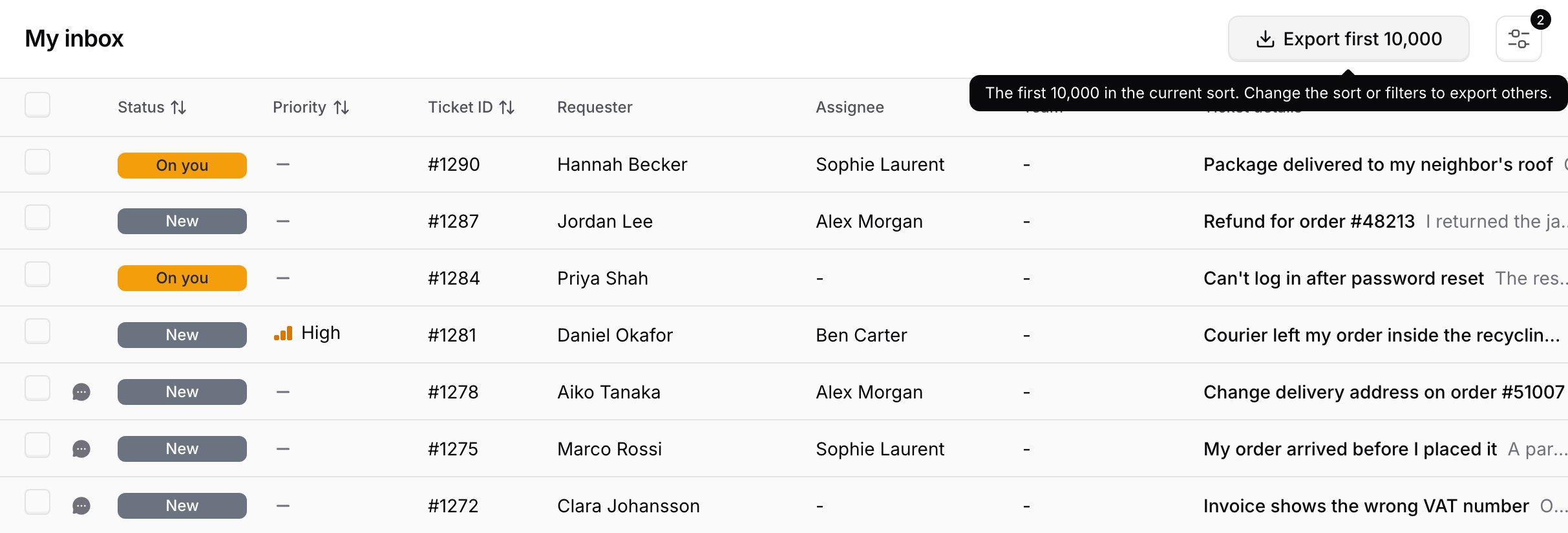
Export selected tickets
Select tickets with the checkboxes, then click Export in the bar that appears. This works for up to 50 tickets at a time.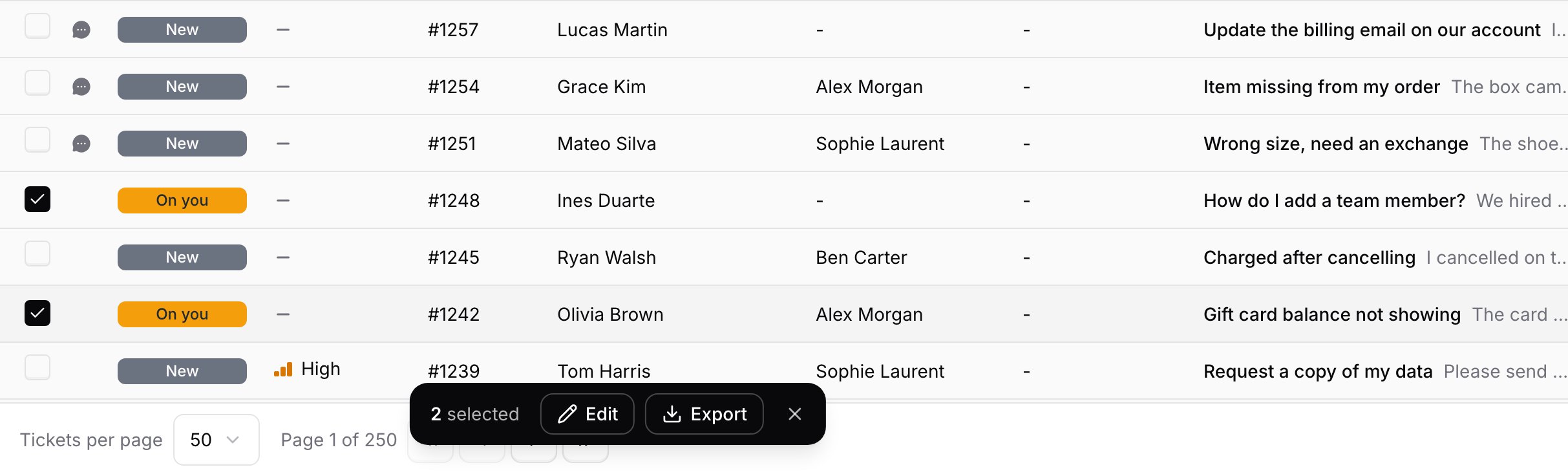
tickets-<date>.csv.
File format
The file is UTF-8 with a byte order mark (BOM) and Windows (CRLF) line endings, so Excel reads accented and non-Latin characters correctly when you open it. There is no scheduled or automatic export. Exports run only when someone clicks Export.Columns
After these, each custom field on the AI agent gets its own column, named after the field. Archived fields are included. Dropdown fields show the option’s label.
Merged tickets in an export
A merged ticket appears as its own row, with the closed status it got from the merge and its own tags, custom fields, requester and message counts. There is no column that marks a merge. The kept ticket’s Agent messages and Customer messages counts don’t include the merged ticket’s messages.Recurring reports with the API
For a daily or weekly report, use the List tickets endpoint instead of exporting by hand. It needs thehelpdesk_tickets:read scope and filters by status, channel, assigneeId, teamId, priority, createdAfter and createdBefore. Results come in pages of up to 50 tickets with a cursor. It has no tag filter. For a poller, sort with sortBy=updatedAt&order=asc and keep the last updatedAt you processed.
Frequently asked questions
How many tickets can I export from the Chatbase Helpdesk?
How many tickets can I export from the Chatbase Helpdesk?
Up to 10,000 tickets from a view, in the current sort, or up to 50 selected tickets. Each person can start one export per minute.
Will the CSV open correctly in Excel?
Will the CSV open correctly in Excel?
Yes. The file is UTF-8 with a BOM, which Excel uses to read accented and non-Latin characters correctly.
Can I schedule a recurring export?
Can I schedule a recurring export?
No. Export is on demand only. For recurring reports, pull tickets from the List tickets API endpoint on a schedule.
Why does the Channel column show iframe instead of Chat Bubble?
Why does the Channel column show iframe instead of Chat Bubble?
The Channel column holds each channel’s system name, such as
iframe for the Chat Bubble or helpdesk for tickets your team created, not the label shown in the inbox.Can I count tickets by tag from an export?
Can I count tickets by tag from an export?
Yes. The Tags column lists each ticket’s tags separated by
; , so you can count them in a spreadsheet. For a quick count without exporting, save a view filtered on the tag and read its count in the sidebar.